
How Employers Actually Verify Excel Skills (Beyond Resumes)
TL;DR
Smart employers verify Excel skills by defining the level needed for the job, asking smarter questions, and using a hands-on Excel test that makes candidates actually work inside a spreadsheet. If Excel matters in the job, don’t just trust the resume.
To Verify Excel Skills Is To Be Very Meticulous
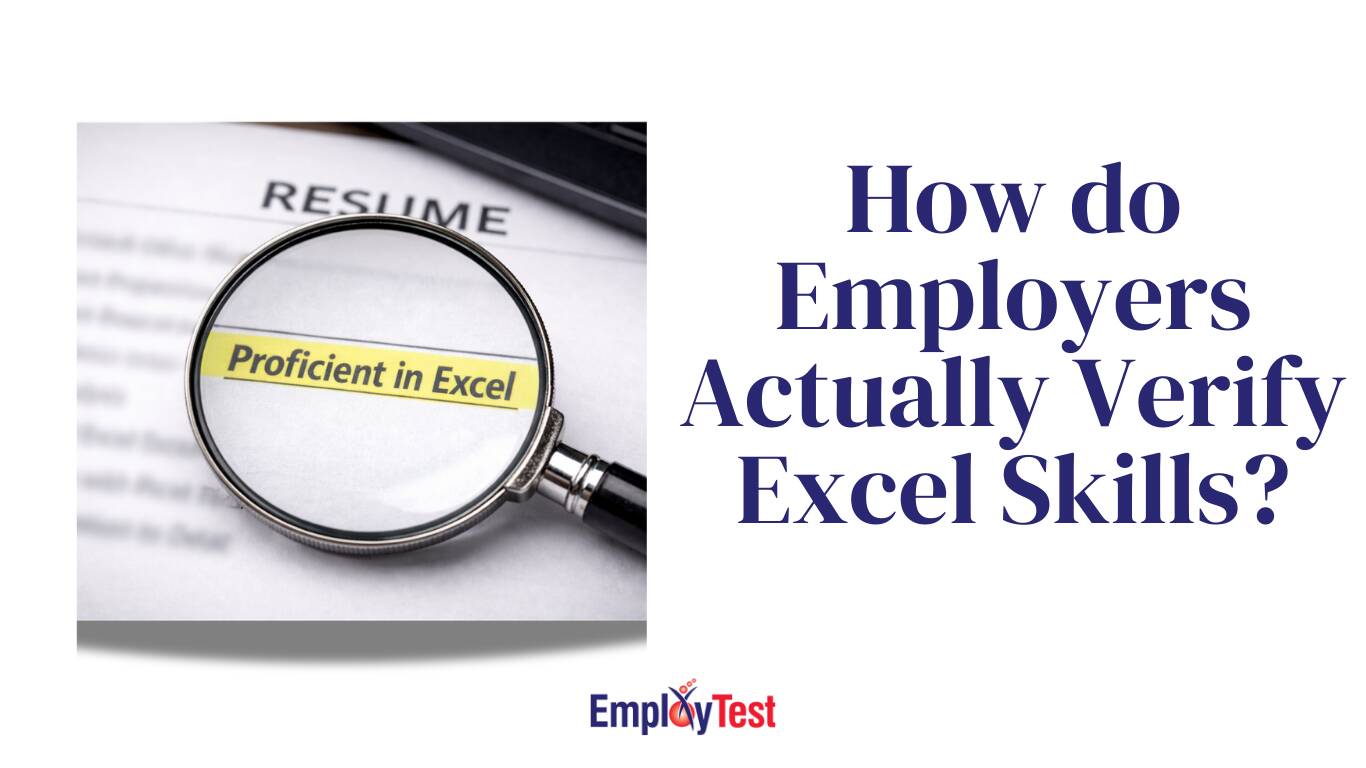
“Proficient in Excel.”
It’s probably on half the resumes you see, but it means almost nothing.
For one person, it means they can use SUM and format cells.
For another, it means pivot tables, nested IF statements, lookups, and building reports from messy data.
There’s no shared definition. So when hiring managers take “proficient” at face value, they’re guessing.
If Excel is part of the job, guessing is risky.
Here’s how employers who care about accuracy actually verify Excel skills.
1. They Get Clear on What the Job Really Requires
Before testing anyone, smart teams ask a simple question:
What does this person need to do in Excel every week?
Basic Excel skills might include:
- Sorting and filtering data
- Using SUM, AVERAGE, COUNT
- Formatting spreadsheets properly
- Entering data accurately
More advanced roles might require:
- IF statements
- VLOOKUP or XLOOKUP
- Pivot tables
- Cleaning and restructuring messy data
- Building reports
Not every role needs advanced Excel. But every role needs clarity.
If you don’t define the level first, you’ll either over-test or under-test. Both lead to bad hires.
2. They Ask Better Interview Questions (But Don’t Stop There)
Interviews can help filter out obvious gaps.
Instead of asking, “Are you good at Excel?” try:
- When would you use a pivot table instead of formulas?
- How would you clean messy or duplicate data?
- What causes a #REF error?
- When would you choose XLOOKUP over VLOOKUP?
- How do you check if a formula is pulling the correct range?
Strong candidates can explain their thinking clearly.
But here’s the thing: talking about Excel is not the same as using Excel.
Someone can explain VLOOKUP perfectly and still struggle when asked to apply it. That’s why interviews help, but they don’t prove much.
3. They Make Candidates Work Inside Excel
Employers who truly verify Excel skills don’t rely on multiple-choice quizzes. They don’t ask theory questions.
They make candidates open a spreadsheet and complete tasks.
Things like:
- Build a formula
- Fix a broken formula
- Create a pivot table
- Analyze a small dataset
- Find and correct errors
Now you’re not asking what they know. You’re watching what they can do.
A structured Microsoft Excel test walks candidates through practical spreadsheet tasks under the same conditions. Every applicant completes the same type of work, so you’re comparing actual performance, not self-confidence.
4. They Pay Attention to the Mistakes
When someone works inside Excel, patterns show up fast.
You’ll see things like:
- Hard-coding numbers instead of referencing cells
- Selecting the wrong range in formulas
- Typing over formulas manually
- Disorganized data that makes analysis messy
- Clicking around until something “looks right”
These aren’t things candidates usually admit to in interviews. But they matter in real work.
Testing reveals them immediately.
5. They Stop Using Labels Like “Advanced”
Strong hiring teams don’t care if someone calls themselves advanced.
They look at:
- How accurate the work was
- How long it took
- Whether formulas were built correctly
- If the logic made sense
Two candidates can both claim to be “advanced.” A practical Excel test usually makes the difference obvious.
And that clarity makes hiring decisions easier.
The Bottom Line
Resumes tell you what someone says they can do. Interviews show how well they talk about it.
Hands-on testing shows whether they can actually do it.
If you’re hiring for roles where Excel accuracy matters, don’t wait until week two to discover skill gaps.
Start with a practical Excel assessment and see exactly what candidates can do inside a spreadsheet.